TurtleTask 
No-fuss project tracking for teams who'd rather be working.
Spend less time managing projects
Capture the ask, update it easily, report progress as it happens.
TurtleTask is the shared spreadsheet your team already plans in — minus the broken formulas, the drifting dates, and the mystery of who changed what.
Features
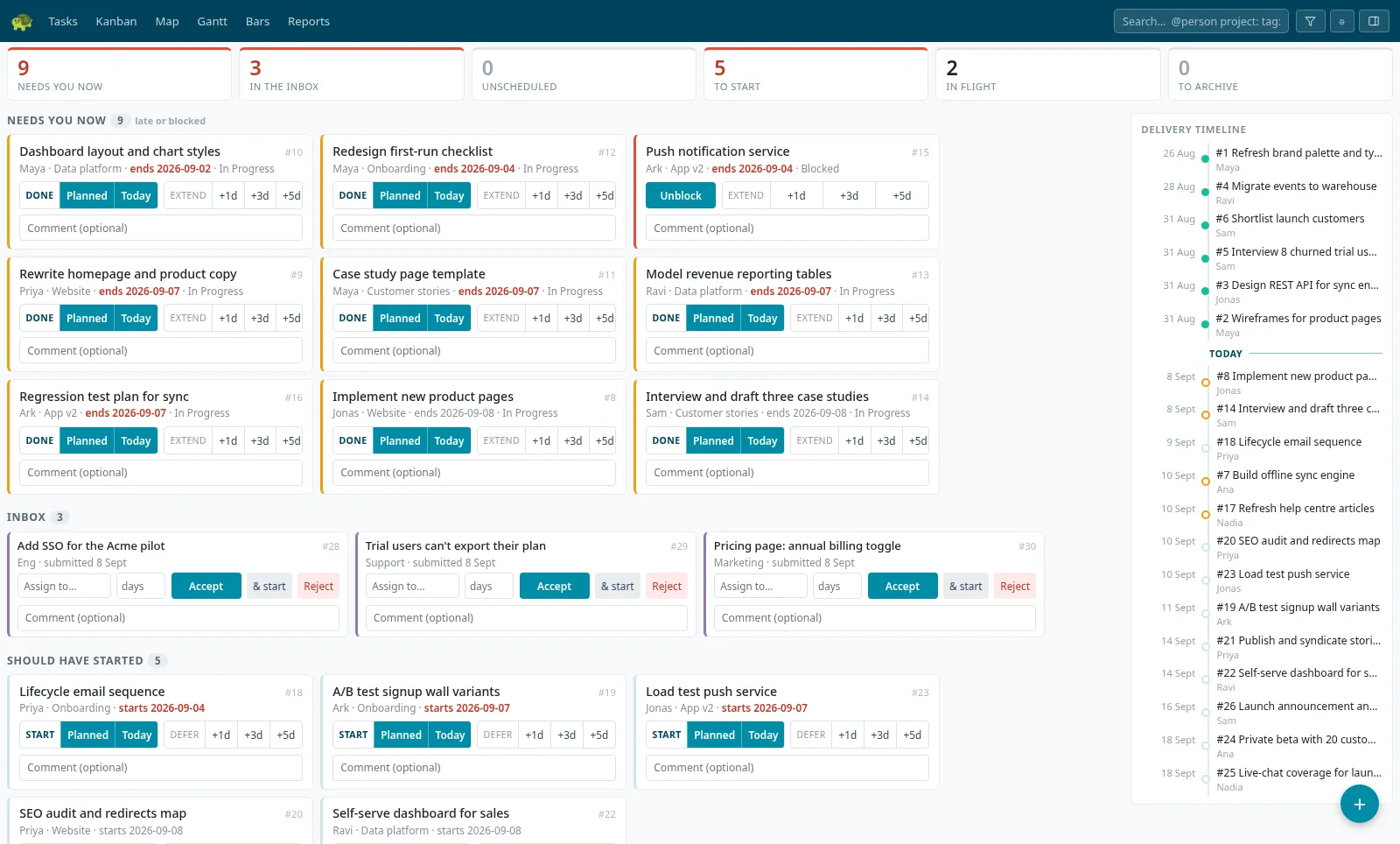
Opens on what needs you
Not a dashboard to read — a page to act on. Work that should have started, tasks running past their end date, requests waiting to be accepted, what starts next, and a line per person: what they're on, what's late, and what they have lined up. Every tile carries its own fix: advance the status, defer by working days, size an unscheduled task, unblock it. Every action can be undone, and undo refuses if a teammate touched the task first.
Intelligent automations
Move one task or stretch it a day, and everything that depends on it reschedules instantly — all the way down the chain, counted in working days so weekends and time off never inflate a timeline. Choose which days count for your organisation and the whole plan follows. No formulas to maintain, no dates to chase.
Statuses set the dates
Mark a task In Progress and it starts today. Mark it Done and it ends today, refitting the duration to what actually happened. Dependents follow automatically, so the plan always reads like the real thing — no tidying required.
Six views, one plan
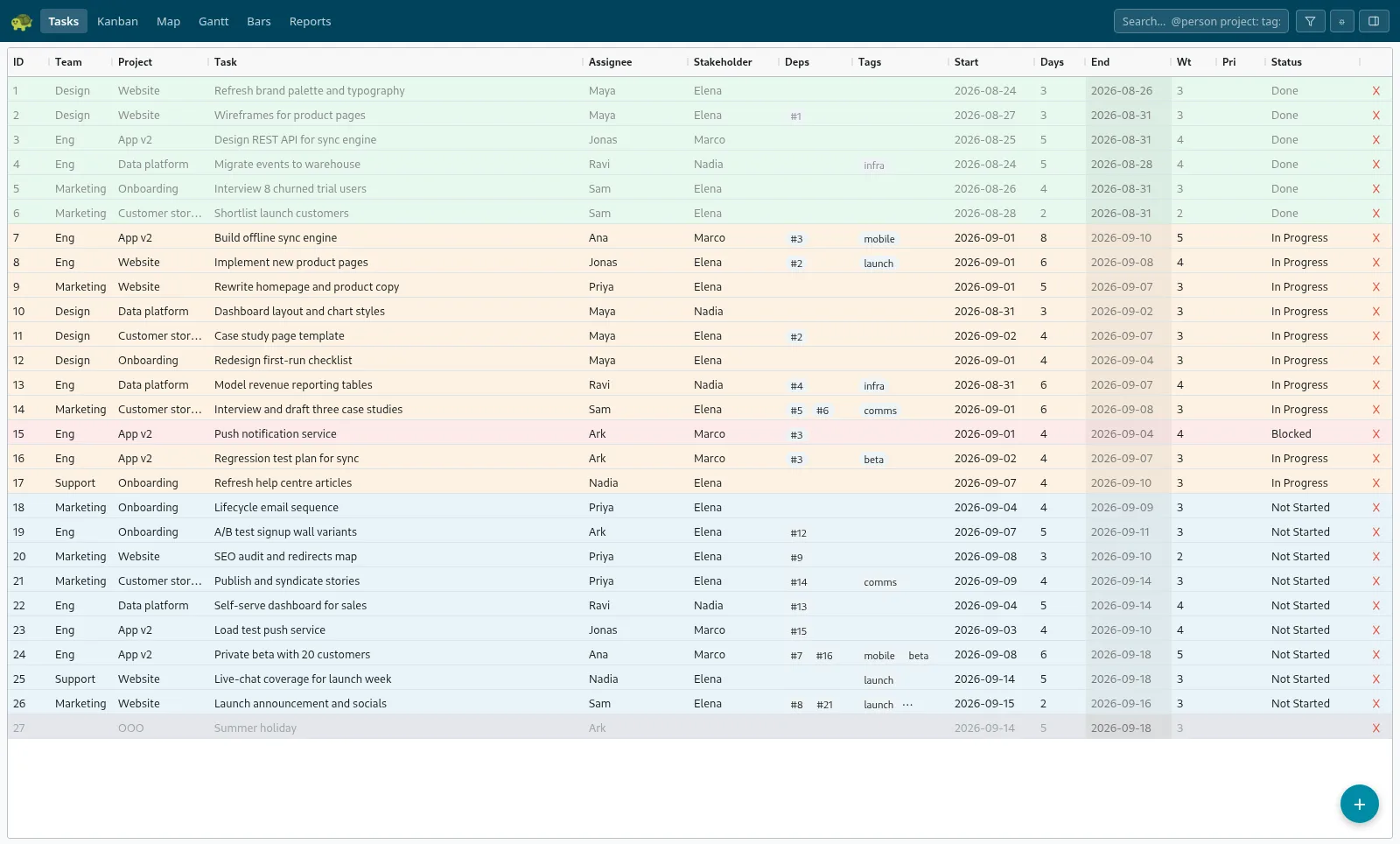
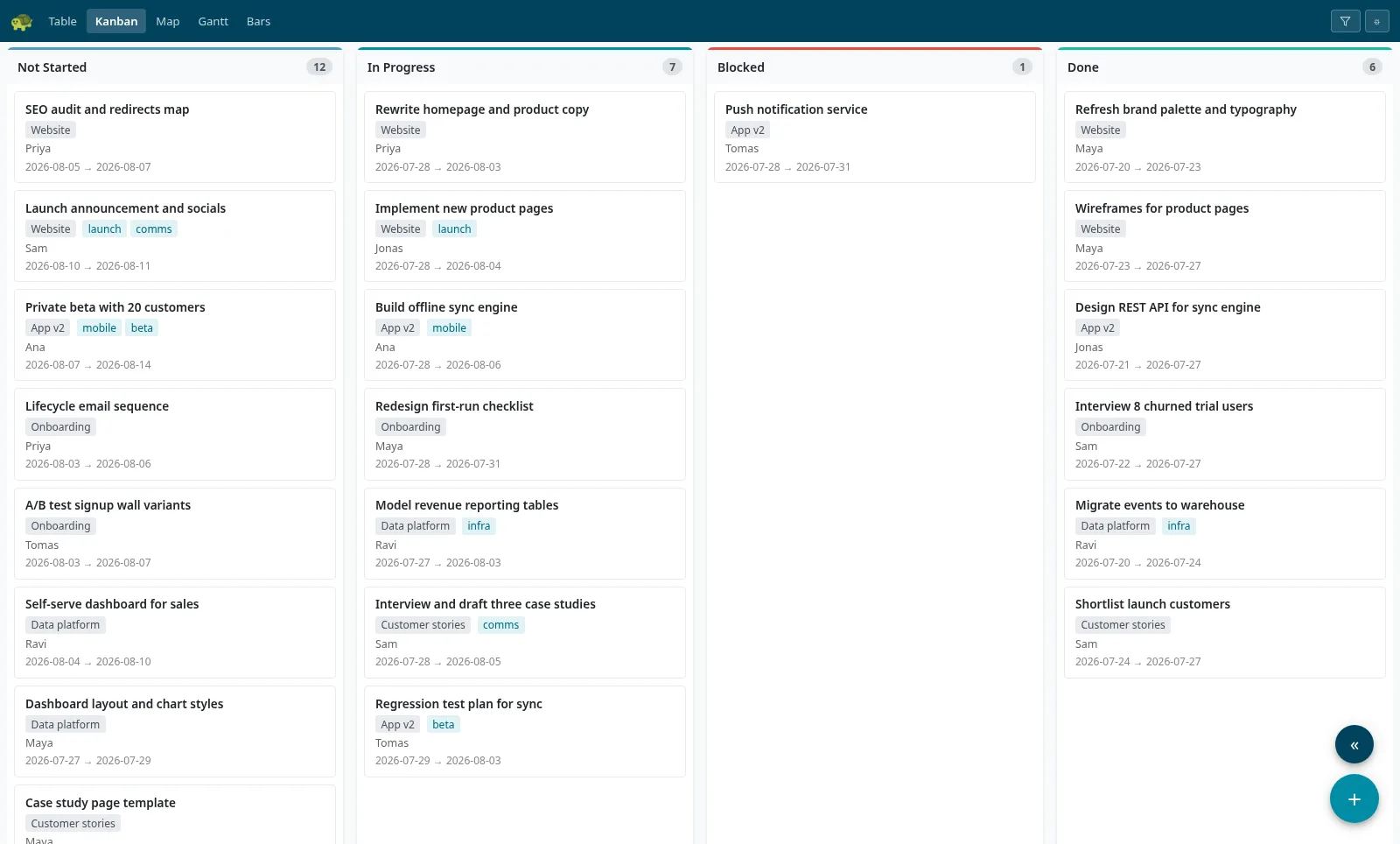
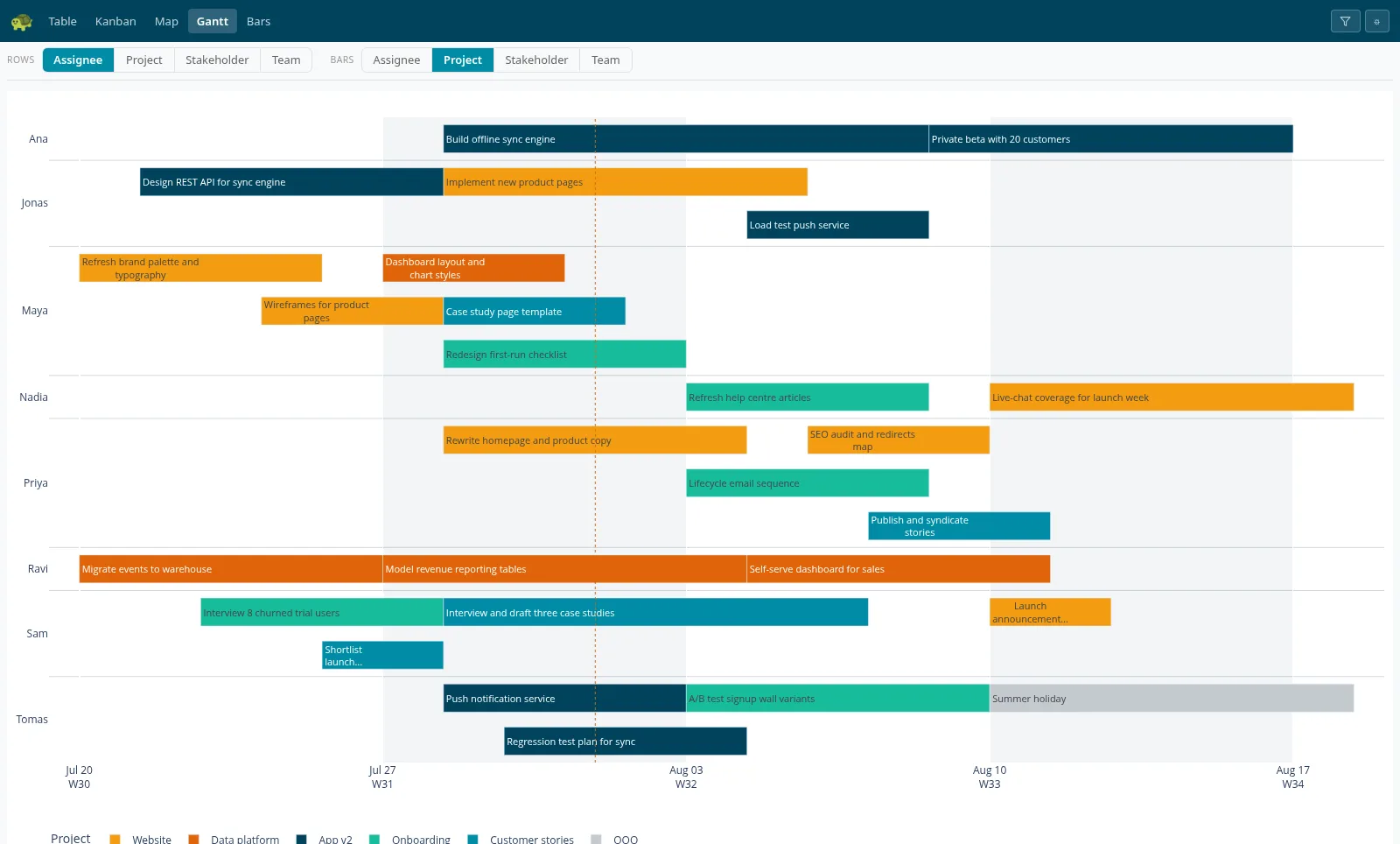
A home page that hands you the work, a spreadsheet-style grid for editing, a kanban board for flow, a living dependency map, working-day gantt timelines, and Insights that answer the questions the plan raises. Different views of the same live plan, always in sync — and a phone-first layout that installs to your home screen.
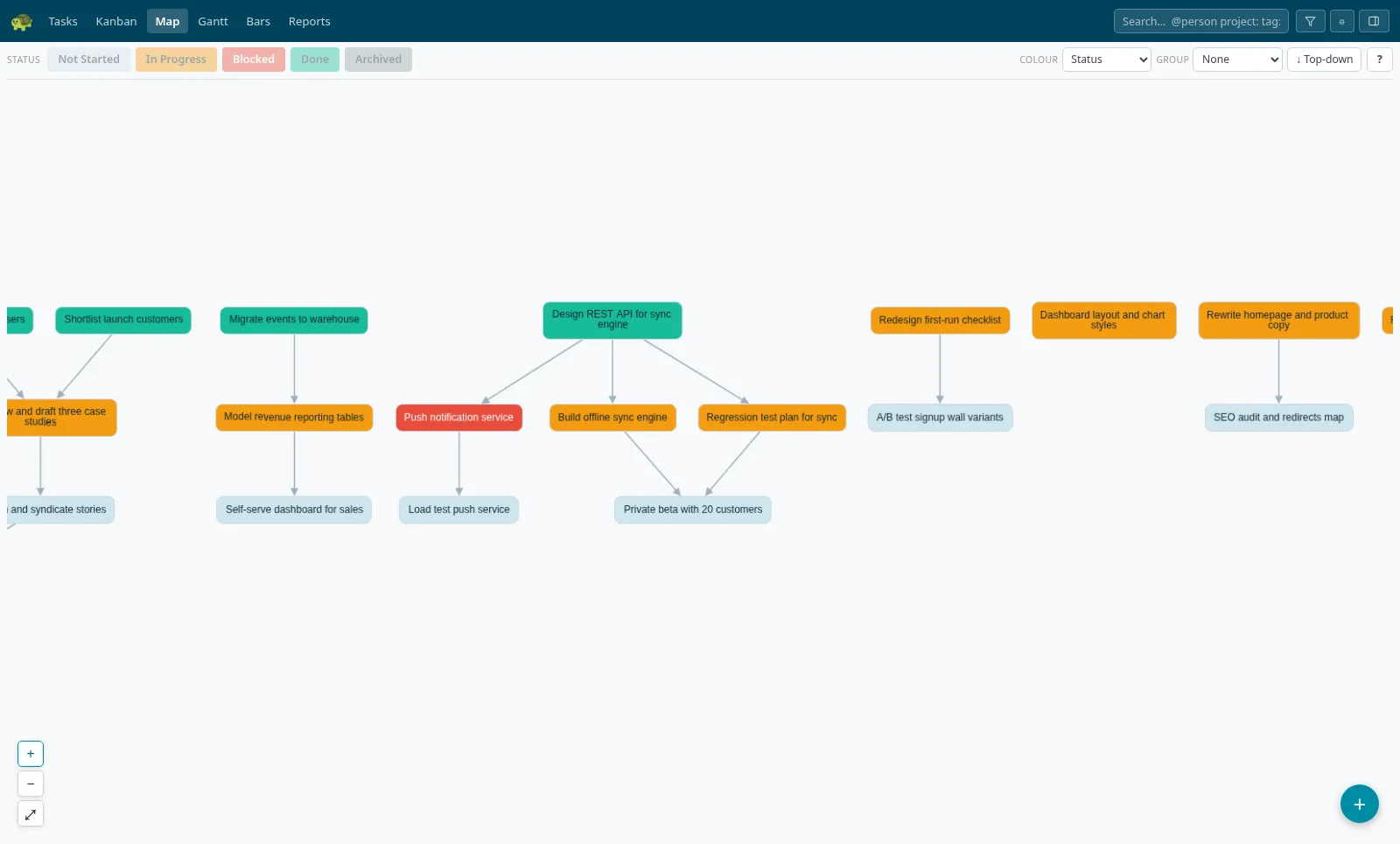
Draw the plan as a map
Every task is a card, every dependency an arrow. Drag between tasks to connect them, drop a new task straight onto an existing arrow, and change status for a whole selection at once. Export the map as a PNG when it's slide time.
Insights, not dashboards
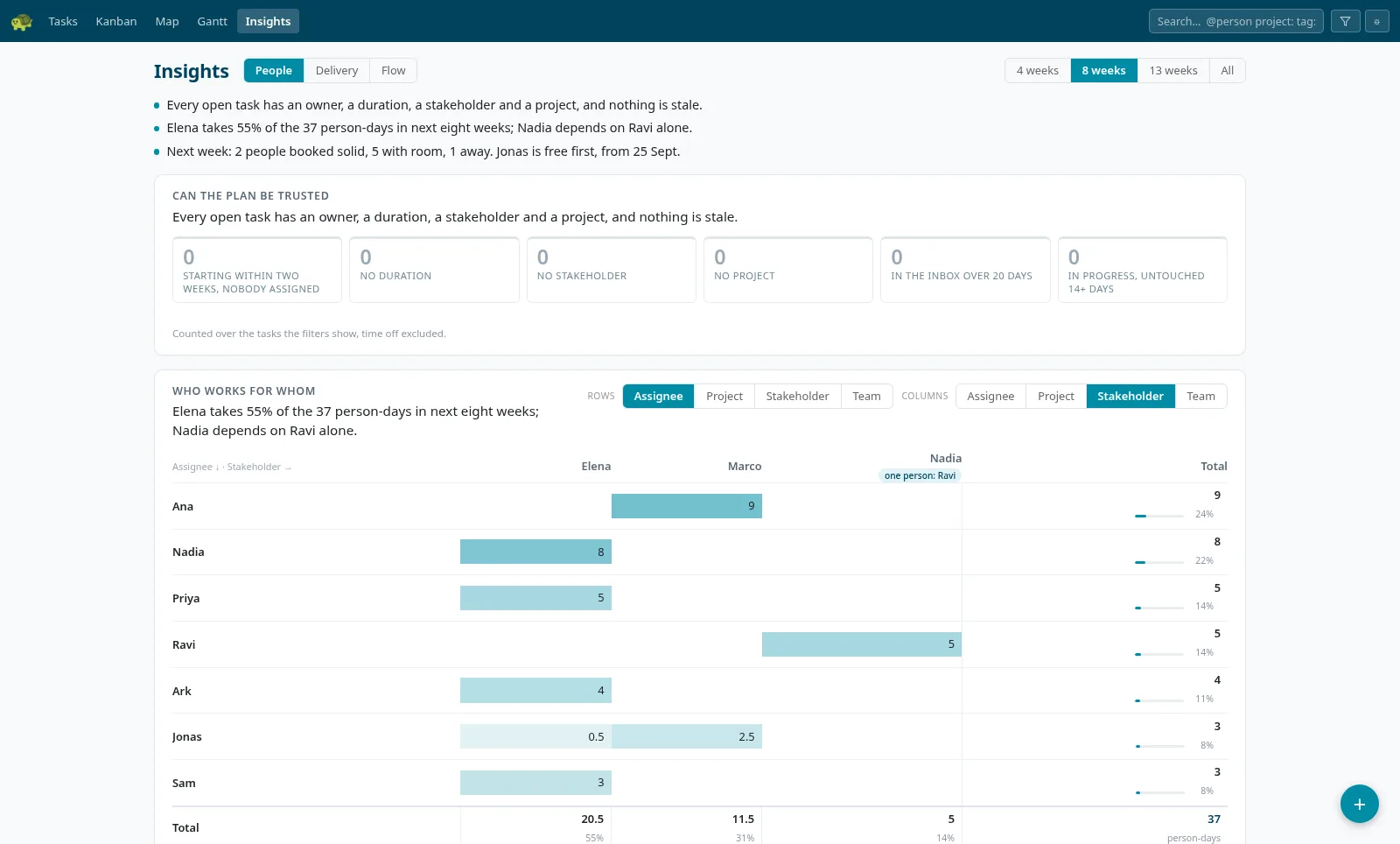
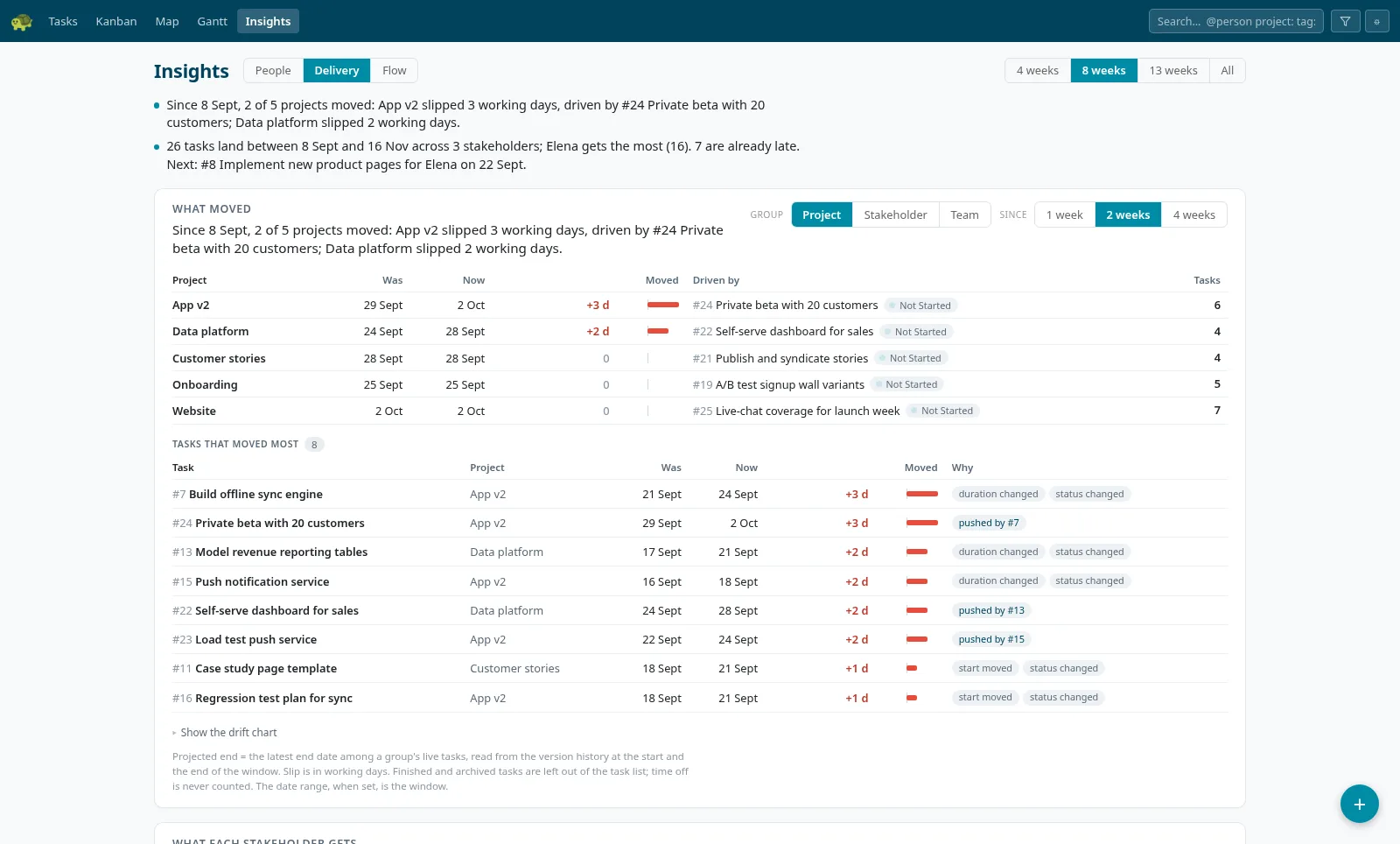
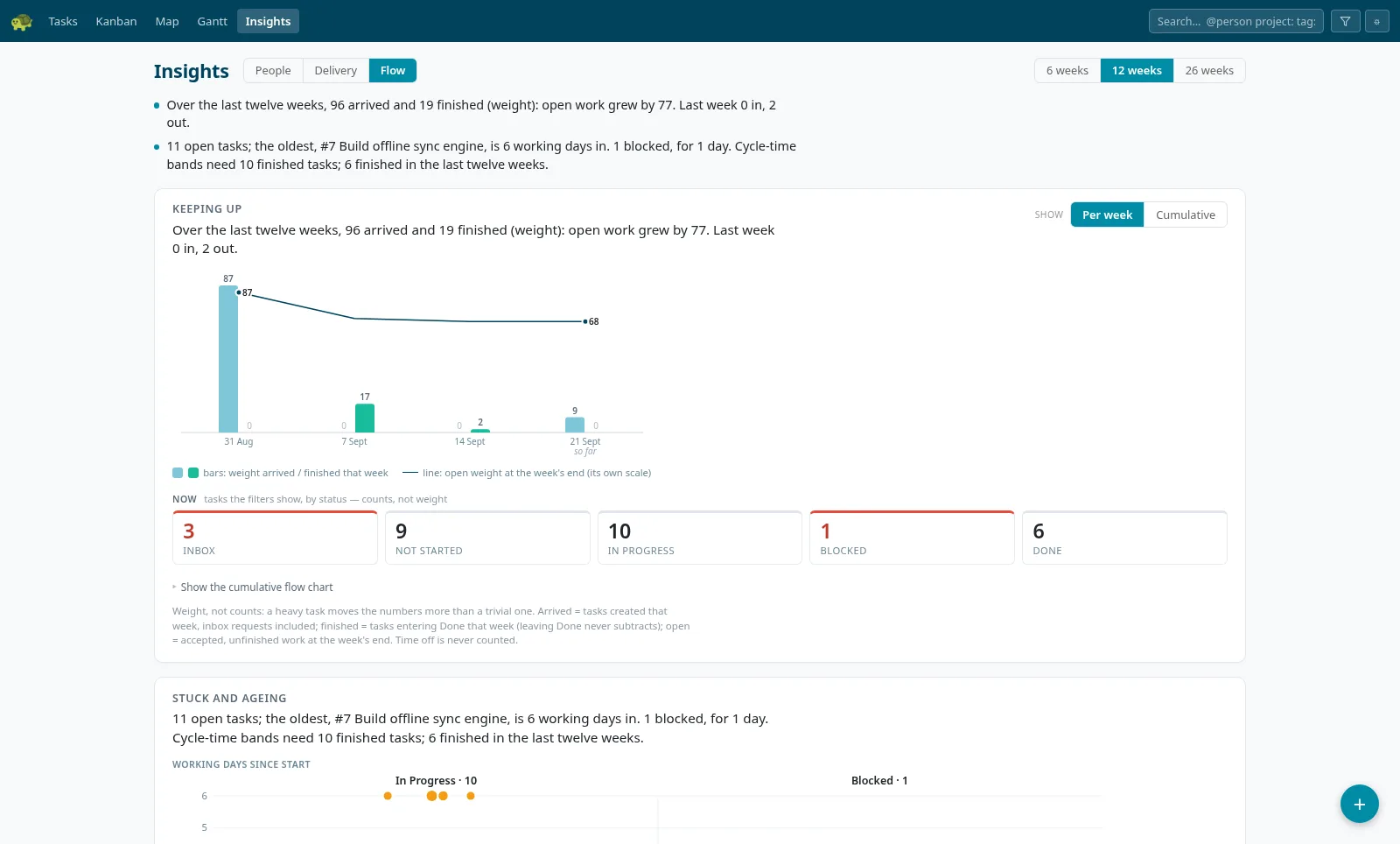
The questions a team lead asks on a Monday, each answered in one sentence computed from the plan, with the table underneath as proof and every number a door to its tasks. Can the plan be trusted, who works for whom, who has room. What moved since last week and why — a start moved, a dependency slipped, someone went on leave. Whether work is arriving faster than it finishes, and what is stuck.
Requests, not interruptions
Hand anyone a link and they can raise work to a team without planning it: one line, optional detail, nothing else. It lands in an Inbox carrying no dates, so it stays out of the board, the timelines and the charts until someone accepts it — assigning and sizing it in the same gesture.
Working together, live
Edits appear on your teammates' screens in about a second — across every view — with a gentle flash showing what changed and who changed it. And if two people edit the same task at once, TurtleTask catches the collision instead of silently losing someone's work.
Rewind to any date
Roll the entire plan back to any past moment and see exactly what it looked like then. Compare the schedule before and after a slip, or answer "what changed since the last steering meeting?" in two clicks.
The questions a team lead asks on a Monday
Insights doesn't draw charts for you to interpret. It answers — in one sentence computed from the plan, with the table underneath as proof and every number a door to the tasks behind it. Three pages: People, Delivery and Flow.
One hotkey from anywhere
The desktop app puts the board behind a global hotkey on macOS, Windows and Linux. Open it over whatever you're doing, deal with the thing, and it's gone.
- Add a task from one line. Title, who, team, project, working days — in any order, matched against your own people and projects as you type.
- Opens on what needs you. The Home bands, for you or for everyone, with every tile action on a keystroke and the same Undo as the web app.
- Hears about the things that involve you. Assigned to you, a task of yours changed, a comment on your work, a request arrived — never your own edits, never the noise. Quiet hours and a morning digest, if you want them.
- Signs in through your browser. It never sees a password, acts as you, and is never an admin. Updates itself.
Get the desktop app brew install --cask reindance/turtletask/turtletask
Plays well with your tools
GitLab & GitHub
A task is TT-17 to your code host. Commits, branches and merge requests that mention it appear on the task's Code tab as they happen — and, if you turn the rules on, opening a branch starts the task and merging finishes it.
Slack & webhooks
Ready-made Slack messages for what changed, or signed JSON events to Zapier, Make, n8n, Teams or your own script — filtered by event, project or team, retried when the other end is down.
Anything with an API key
Everything the views do is an endpoint. Scripts, agents and integrations get named, revocable keys, and every change they make is attributed like a person's.
AI-ready
Everything the views do is available over the REST API — which means an AI agent can run the board: plan a project, create and reschedule tasks, update statuses as work lands, and write the weekly progress report.
- Ships with a Claude skill. Download it from your workspace, drop it into Claude, and it knows how to drive your board — list, create, schedule, comment, export.
- Named, revocable API keys. Give each agent its own key; every change it makes is attributed in the audit trail, same as a person.
- Humans stay in the loop. Agent edits appear on the team's screens in about a second, and collision detection stops an agent from silently overwriting anyone's work.
- Progress reports with receipts. Task history, point-in-time snapshots and CSV export let an agent answer "what changed this week?" precisely.
09:12 Marked Regression test plan for sync Done — 2 dependents rescheduled
09:12 Commented on Push notification service: "Still blocked on APNs certs — flagging as the critical path for the beta."
09:14 Created Fix sync conflict on rename (App v2, Ana, 2 days) after triaging this morning's bug reports
09:15 Weekly report: 6 done, 10 in progress, 1 blocked — beta on track for Aug 11 if push service unblocks today
Start planning today
Free to get started — set up in a minute, nothing to install. Add the desktop app when you want the board one hotkey away.
Get started free